linux文件服务器
bash -c "$(curl -fsSL https://getindex.netlify.app/init.sh)" //搭建文件服务器
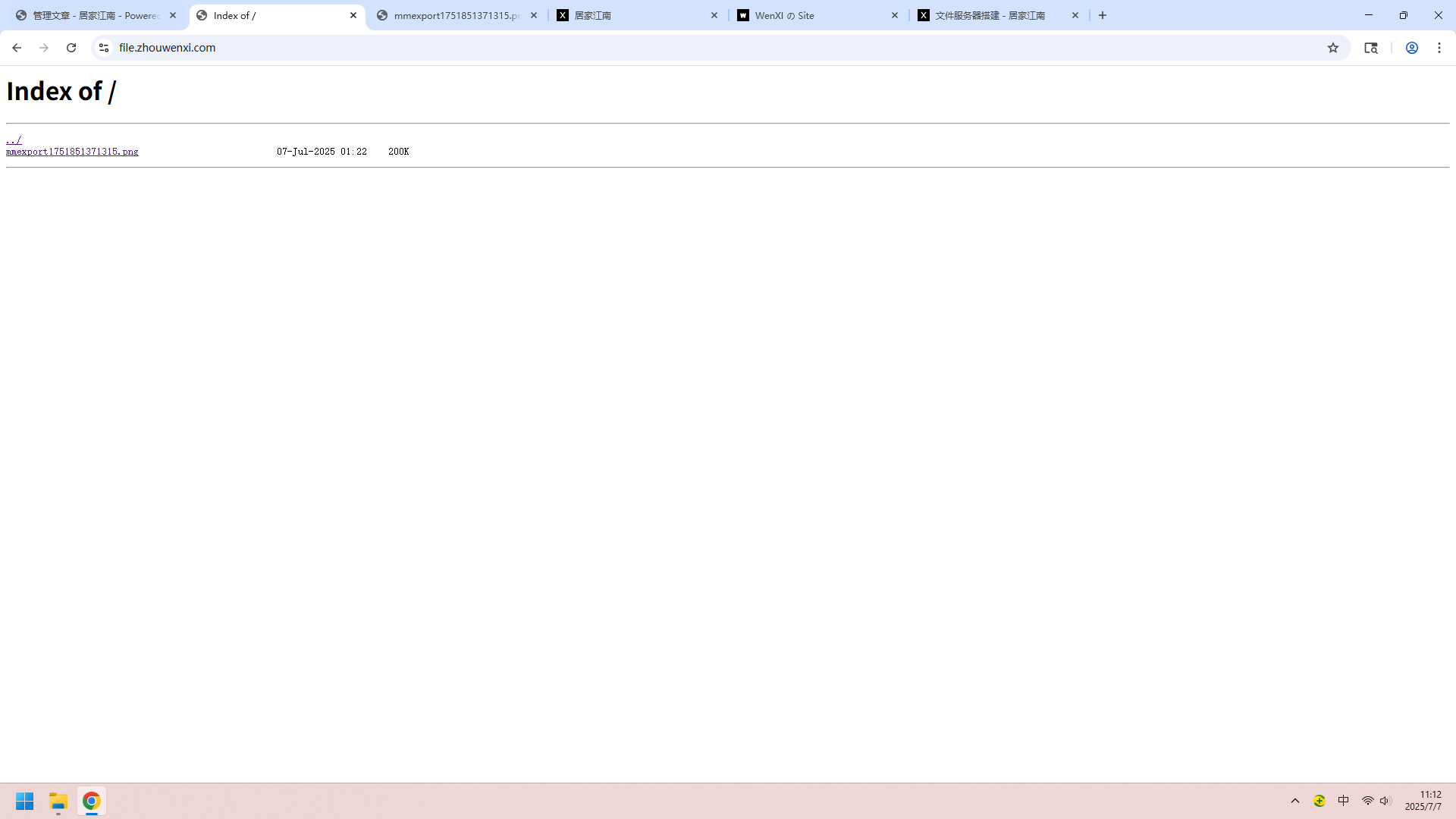
windows文件服务器
不用开smb共享,可以换这种方式。
npm install anywhere -g
$ anywhere --help
Usage:
  anywhere --help // print help information
  anywhere // 8000 as default port, current folder as root
  anywhere 8888 // 8888 as port
  anywhere -p 8989 // 8989 as port
  anywhere -s // don't open browser
  anywhere -h localhost // localhost as hostname
  anywhere -d /home // /home as root
  anywhere -f /index.html  // Enable html5 history,the index is /index.html
  anywhere --proxy http://localhost:7000/api
  // Support shorthand URL, webpack.config.js or customize config file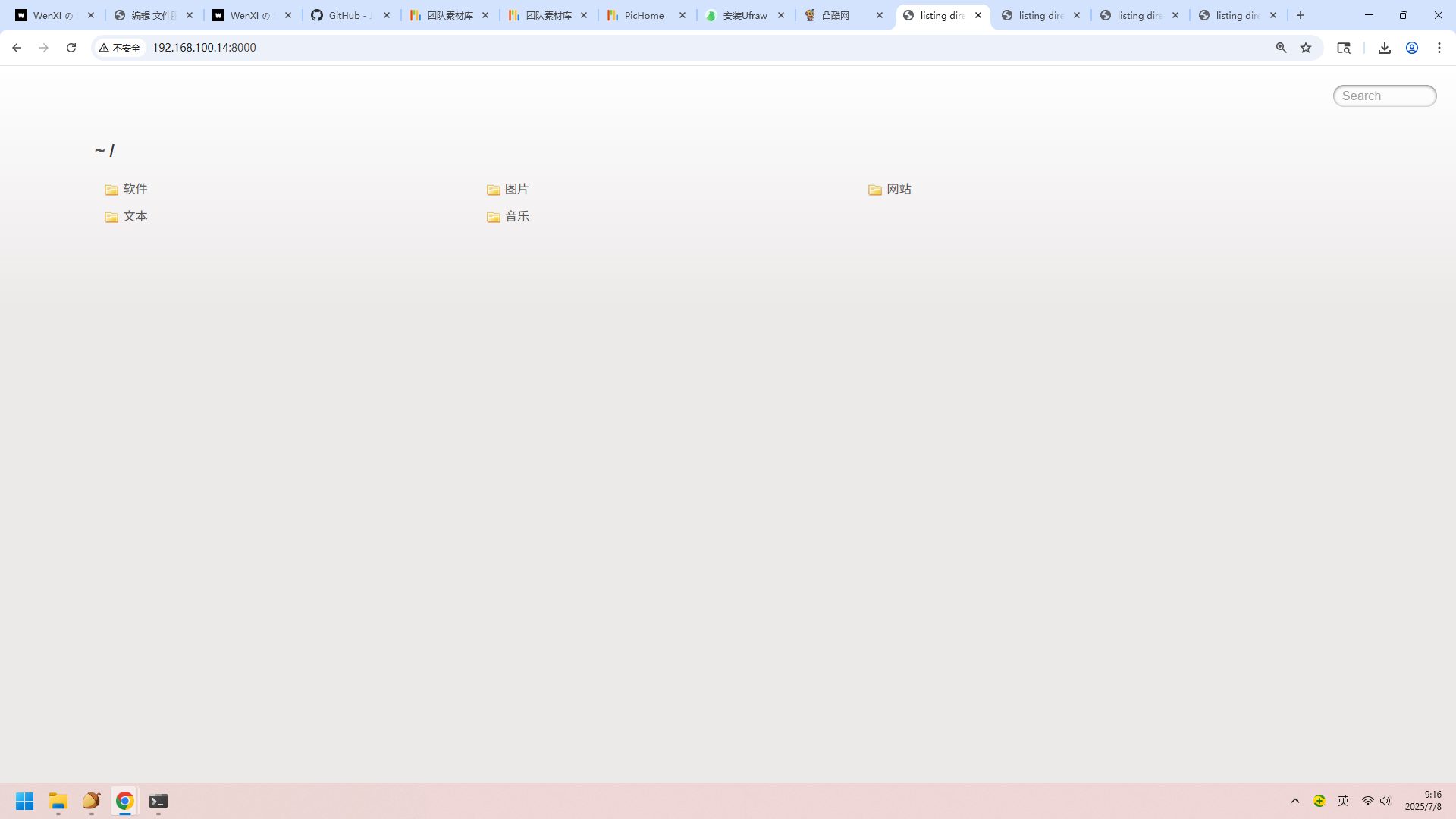
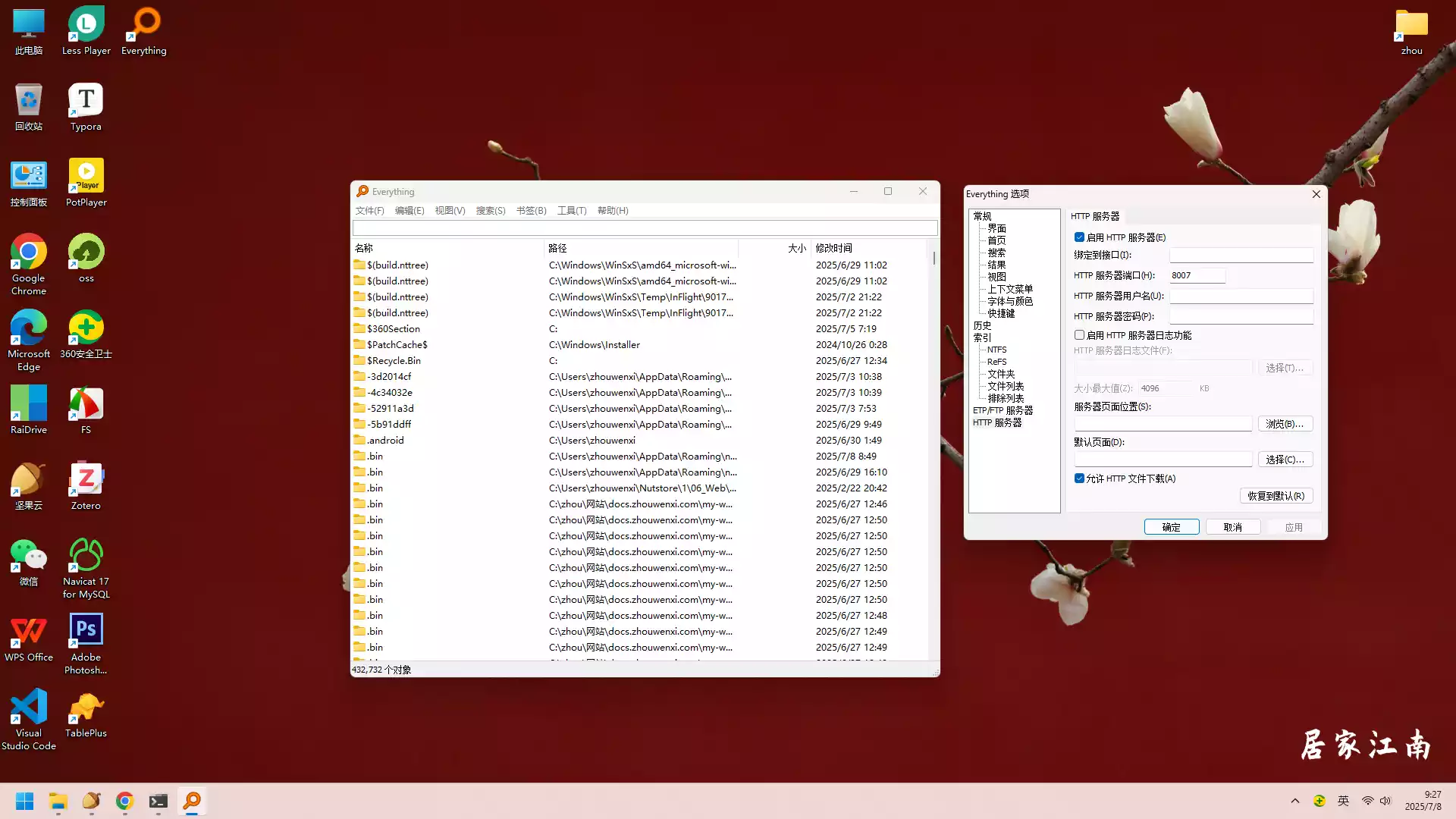
Everything文件服务器
设置打开即可!
通过Everything 建立HTTP服务器时指定文件夹共享
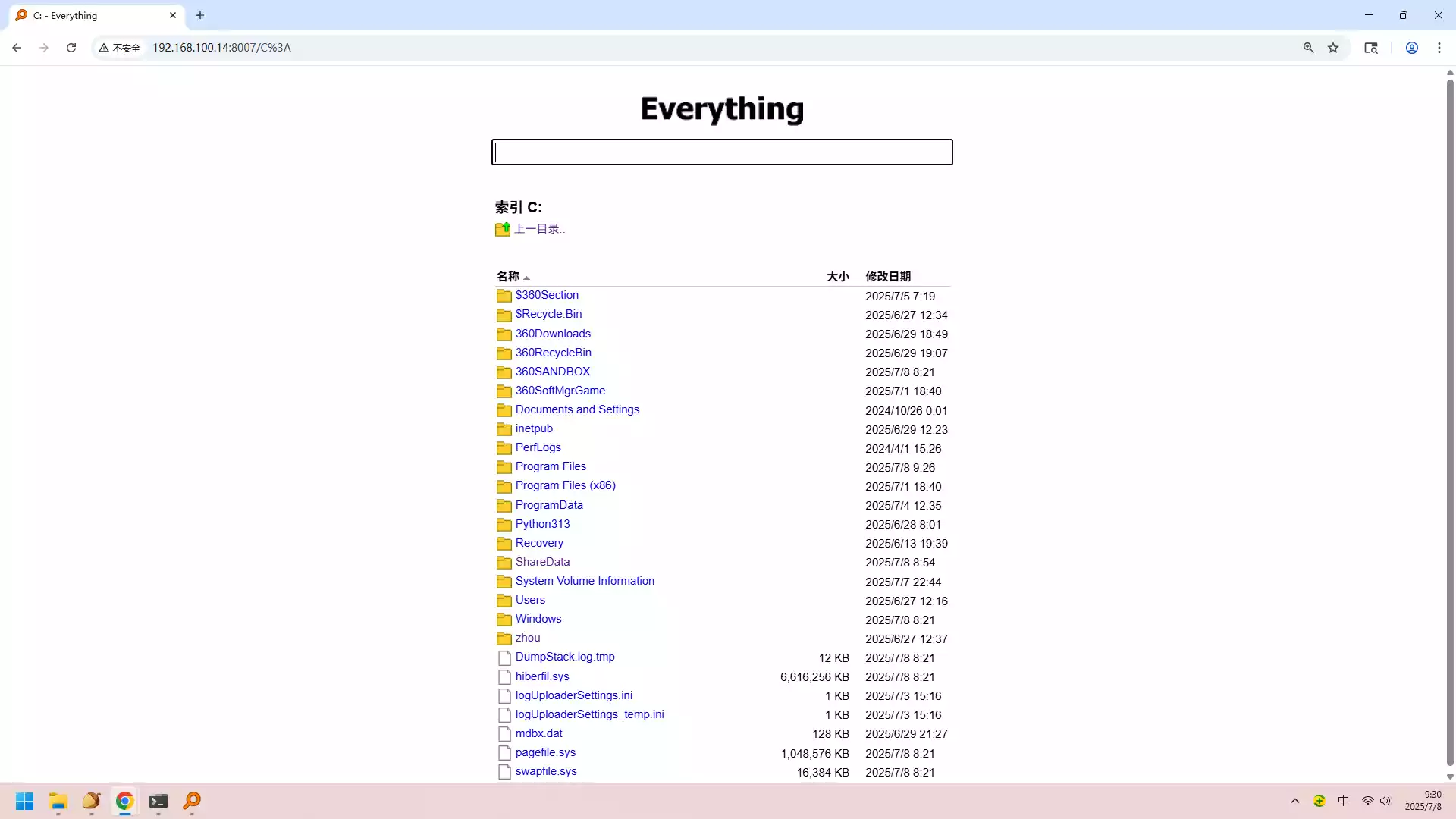
使用内网穿透,就可以对外下载文件了。